

How to Sign Up on Trakx?
Guides
• Nov 17, 2024

Welcome to Trakx! In this short guide, we will explain how to sign up on our platform to start trading crypto index funds. Let’s start!
Step 1: Start the registration process
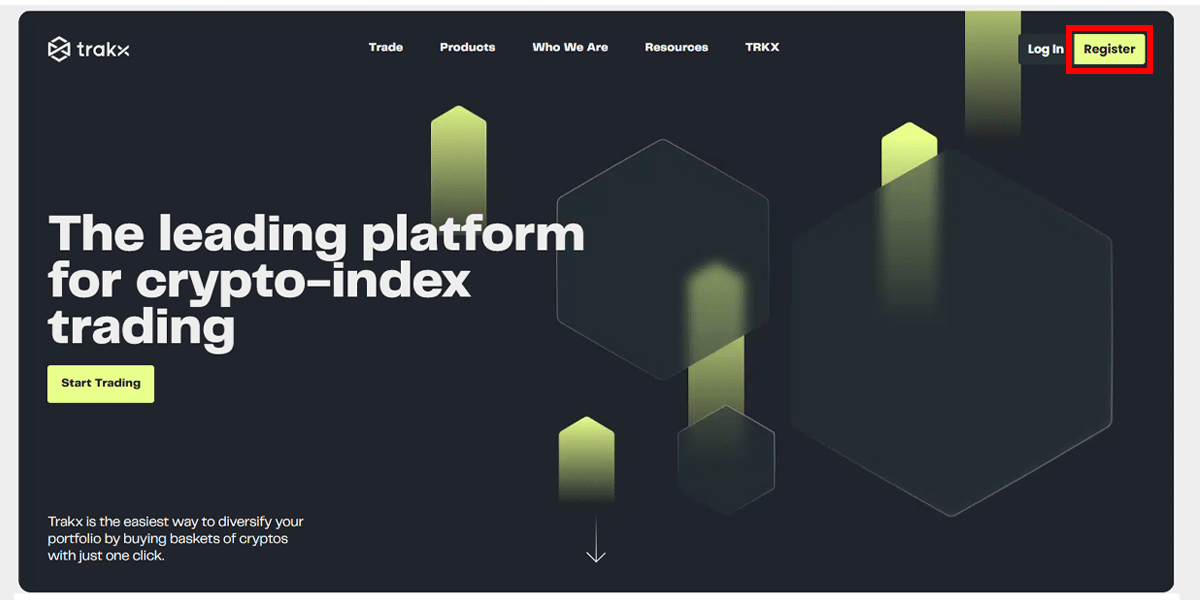
Step 2: Insert your mail and create a secure password

Step 3: Check your email to confirm your account
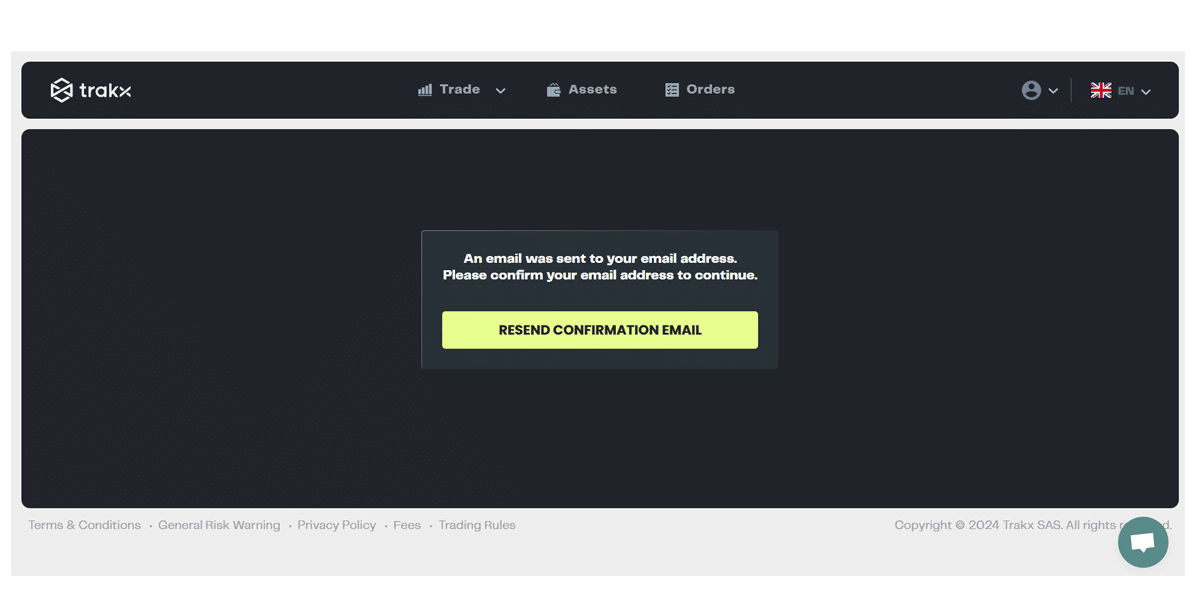
Step 4: Confirm your account in your email
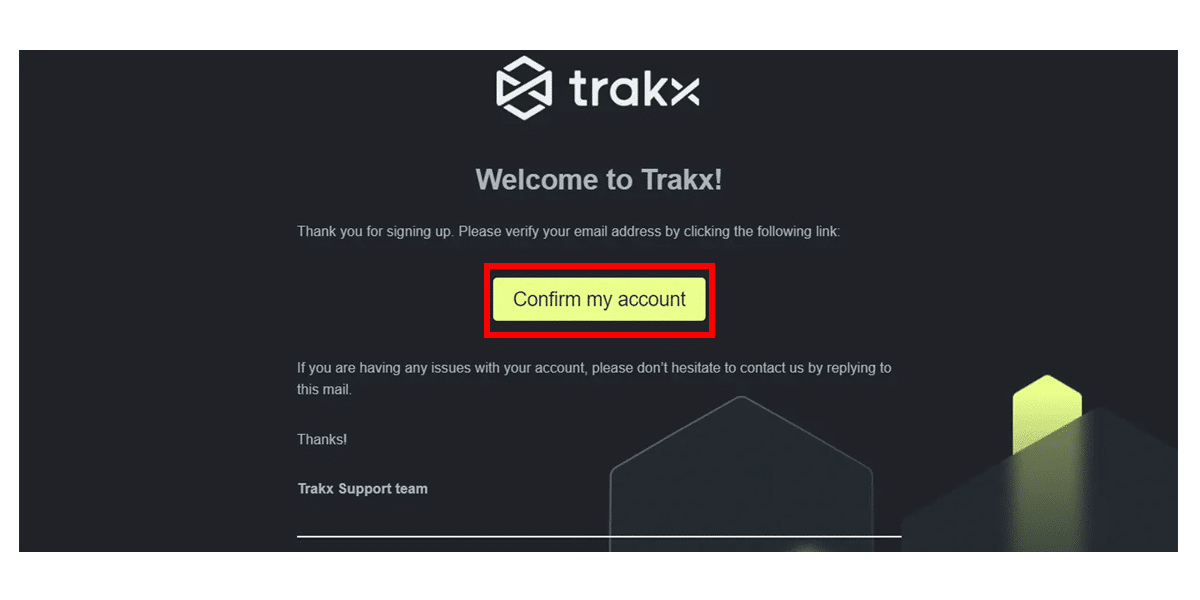
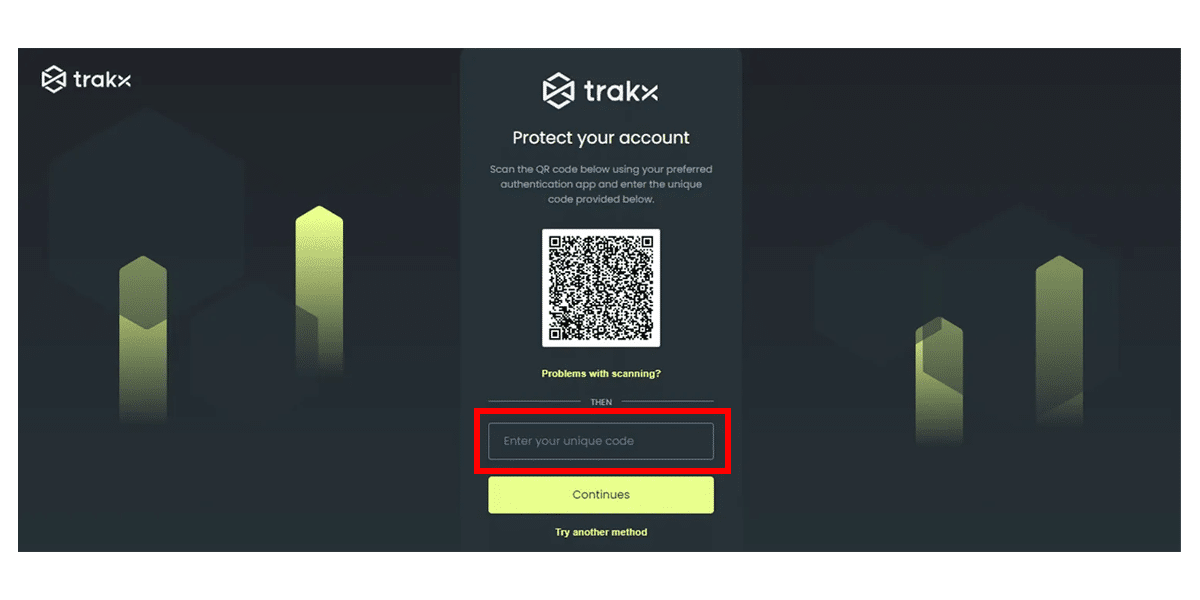
Step 5: Set up the 2-factor-authentication (2FA)
Step 6: Onboarding by selecting “Individual” or “Business”
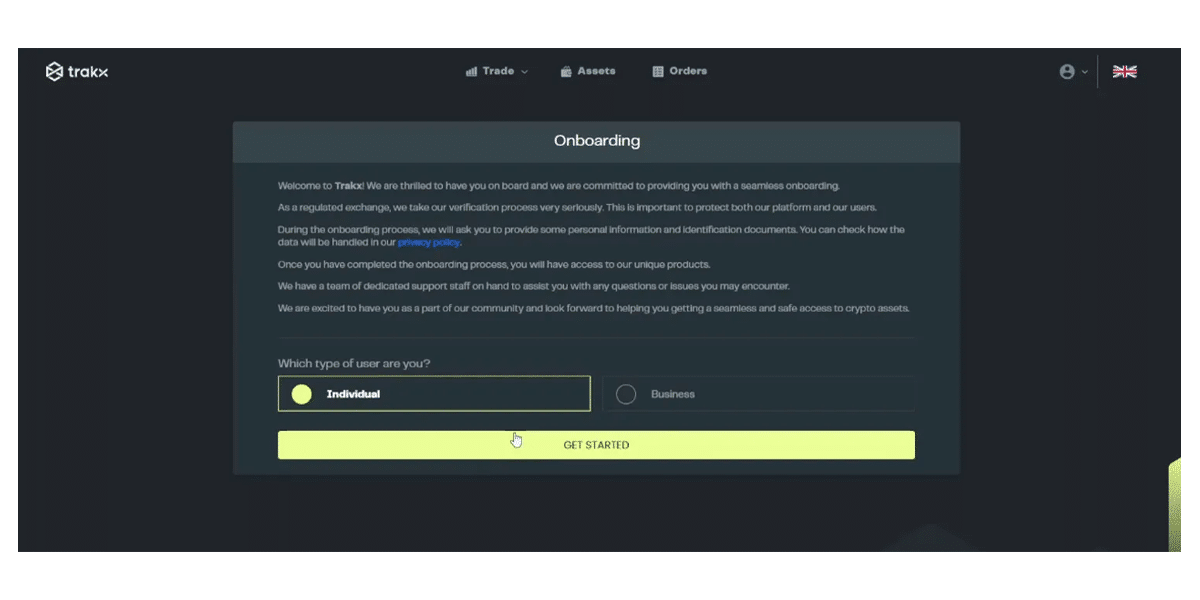
Step 7: Insert your data to create your account

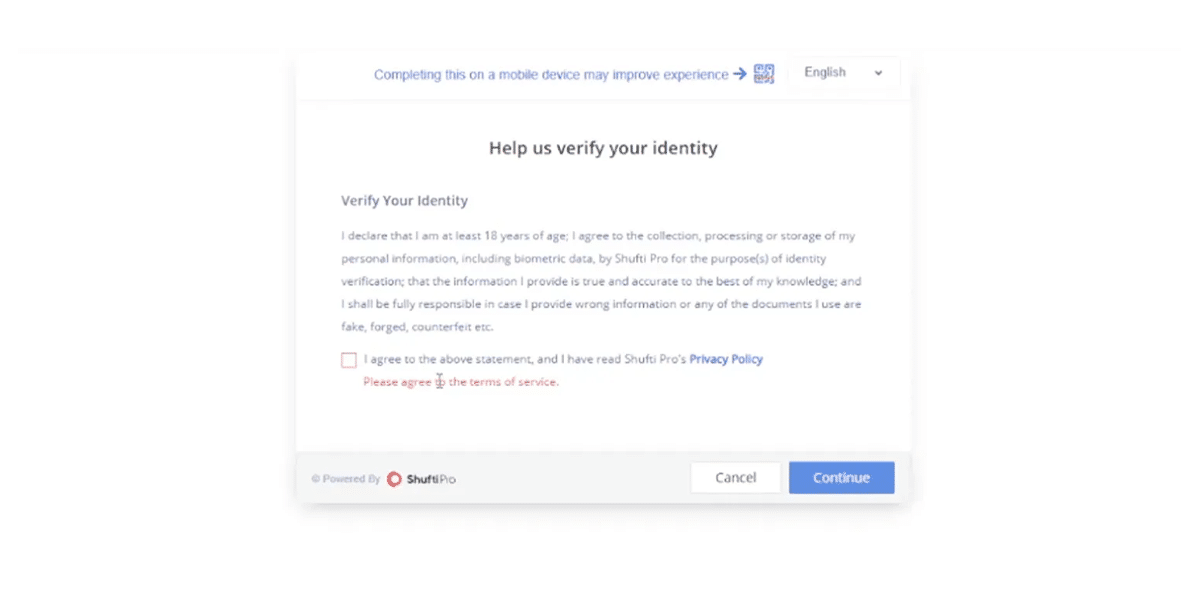
Step 8: Complete the KYC process
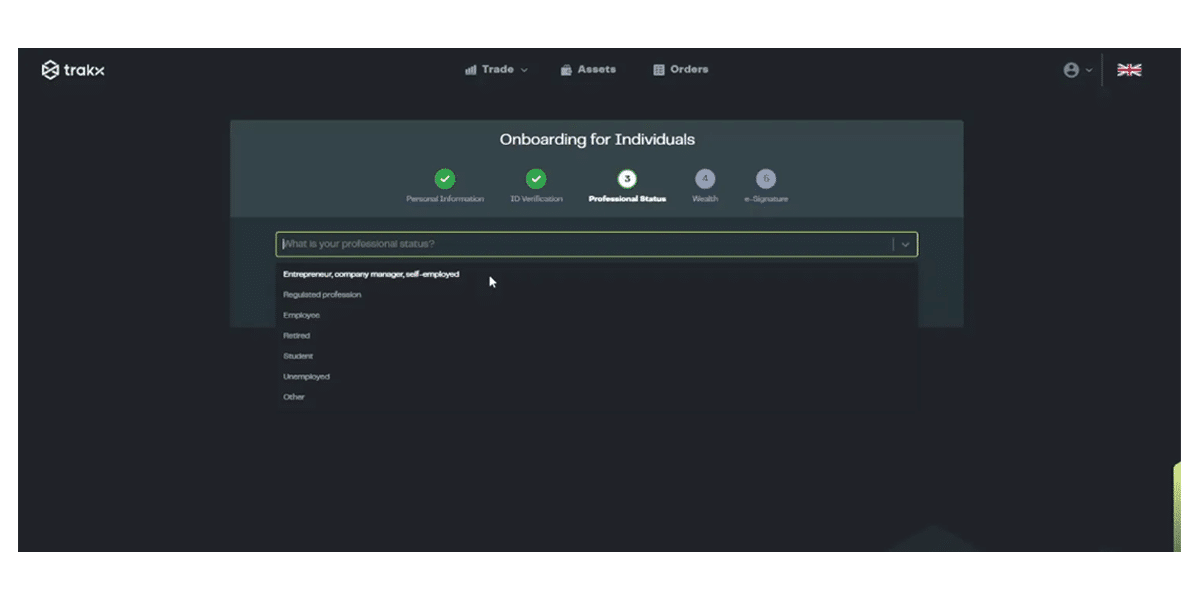
Step 9: Select your professional status
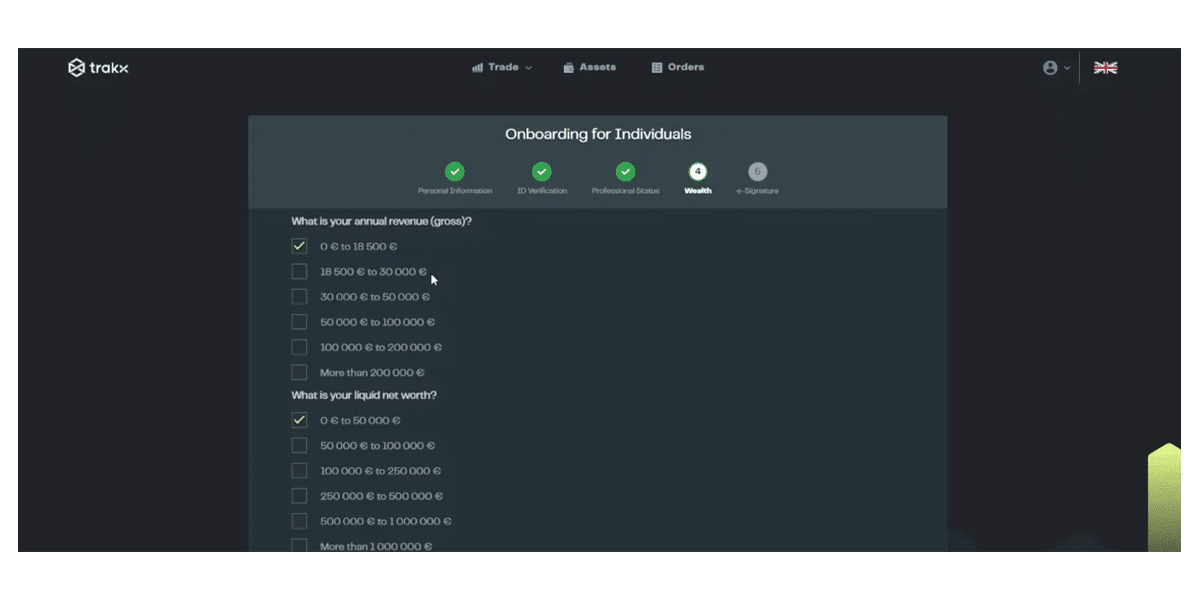
Step 10: Select your wealth
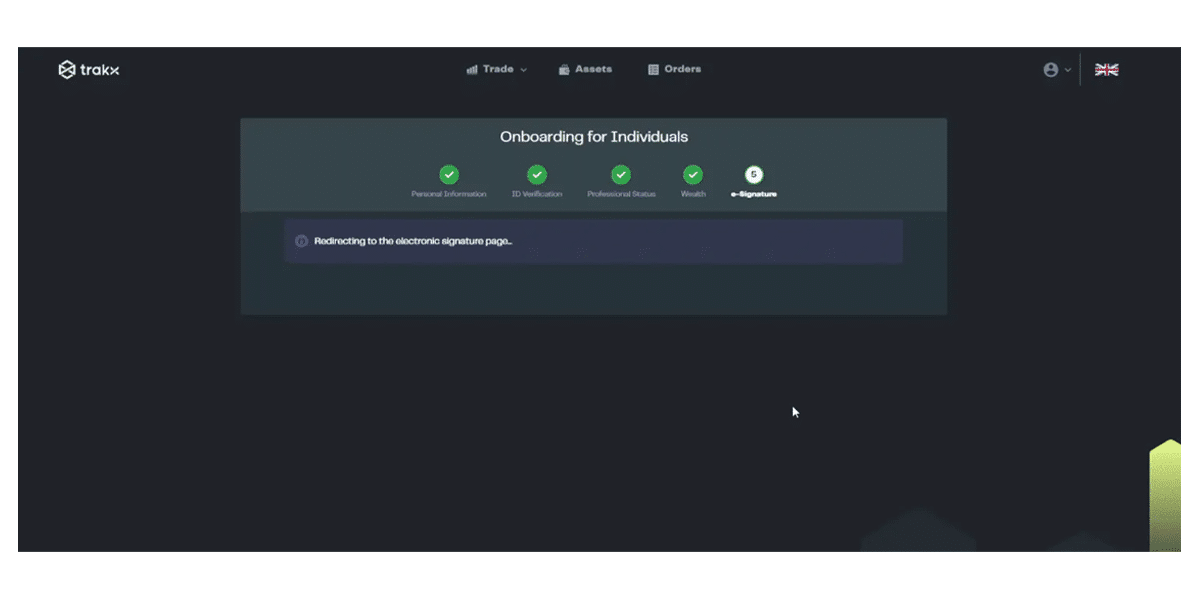
Step 11: Complete the process by signing
You are now ready to start trading crypto index funds on Trakx!
Please check our “How to deposit funds on Trakx” guide for further information!


